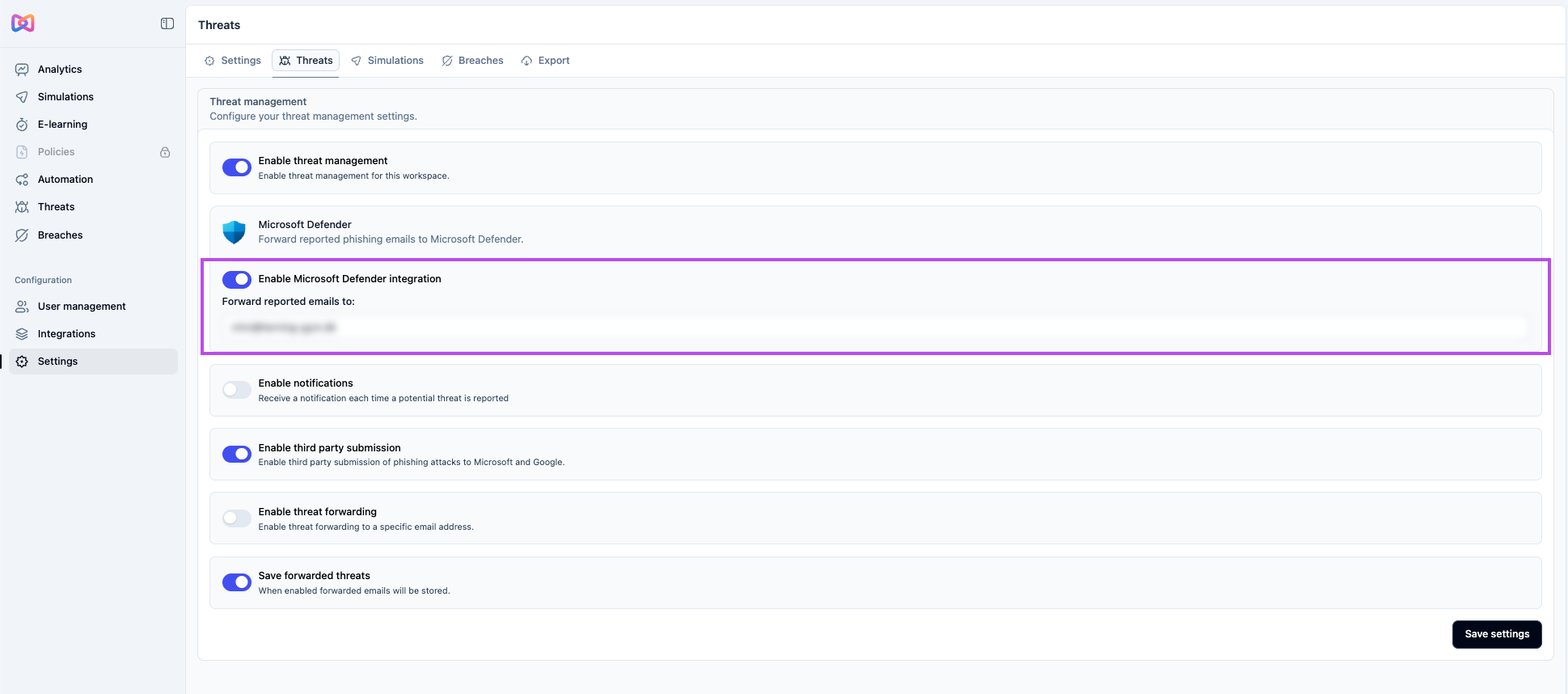
When an employee reports a suspicious email in Moxso, you can have Moxso forward it to Microsoft Defender for analysis. Once forwarding is enabled, Moxso passes the reported email to Defender and does not run its own analysis on it. You'll see a Forwarded status on those reports in Moxso.
Setting this up requires configuration on both the Microsoft side and in Moxso.
Before you begin
You'll need:
- Access to the Microsoft 365 Defender portal at security.microsoft.com
- A reporting mailbox already configured in Microsoft Defender (the email address you'll enter in Moxso)
Configure Microsoft Defender
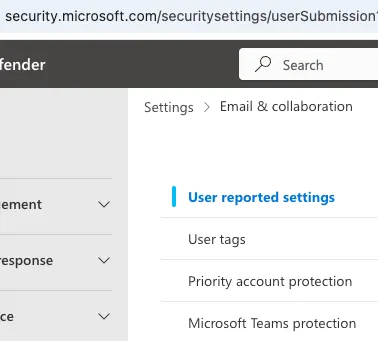
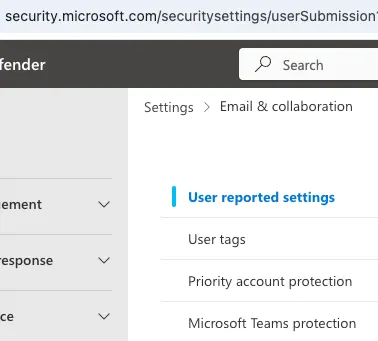
- Go to the Microsoft 365 Defender portal.
- Go to Settings > Email & collaboration > User reported settings.
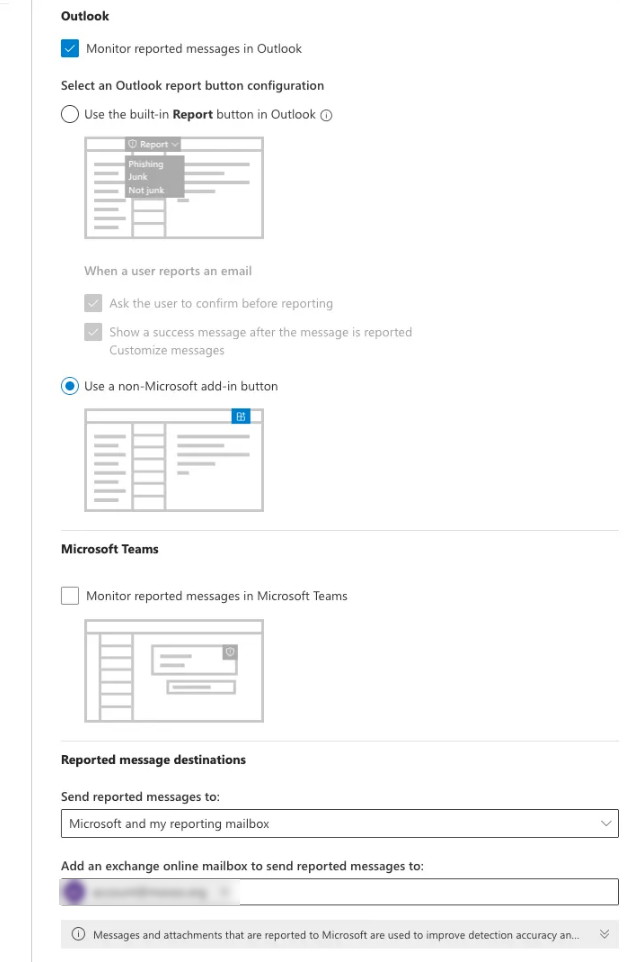
- Select Monitor reported messages in Outlook.
- Select Use a non-Microsoft add-in button.
- Under Send reported messages to:, select Microsoft and my reporting mailbox or My reporting mailbox only.
- In the Add an Exchange Online mailbox to send reported messages to field, enter your Defender reporting mailbox address.
- Optionally, enable reporting of quarantined messages.
Configure Moxso
- In Moxso, go to Threats > Settings.
- Under Microsoft Defender, toggle on Enable Microsoft Defender integration.
- In the Forward reported emails to: field, enter your Defender reporting mailbox address.
- Select Save.
Once enabled, Moxso will forward reported emails to Microsoft Defender for analysis rather than analyzing them itself. Forwarded reports appear under Threats with a status of Forwarded. Reports may take a few minutes to appear in the Defender Submissions page.