What does this do?
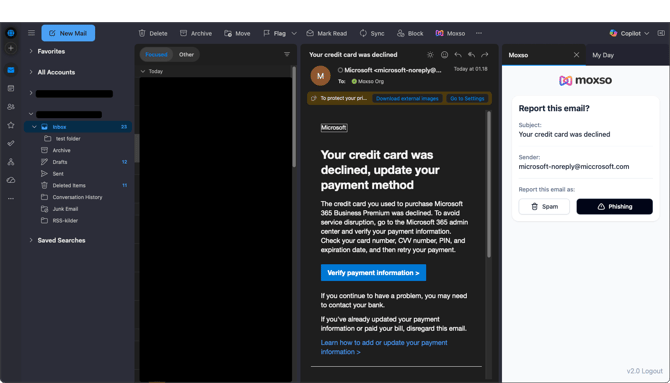
Moxso has designed a phishing reporting add-in that enables your employees to report phishing emails directly in their inboxes. Our add-in is added to your email client as your company onboards.
When an employee wants to report suspicious emails as phishing, they click on the Moxso Report Button. The email is then forwarded to your IT department and appears in Threat Management.
How do I set it up?
1. Tap “Integrations” on the left panel.
2. Scroll down to Add-ins.
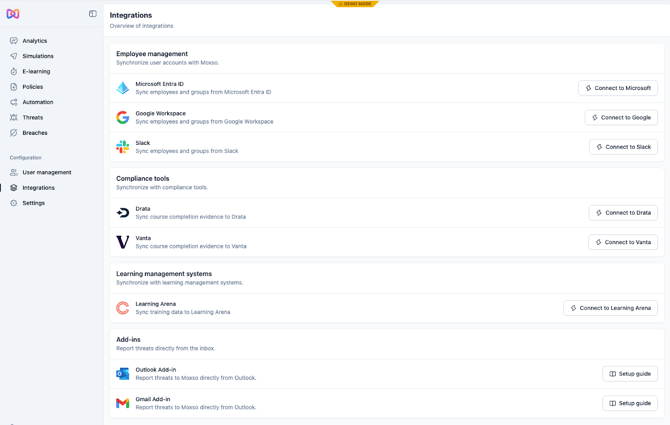
3. Open the Setup guide for your email client.
4. Follow the guide and listed steps.
5. The add-in tool will be pulled directly into all your company’s inboxes.
Gmail view:
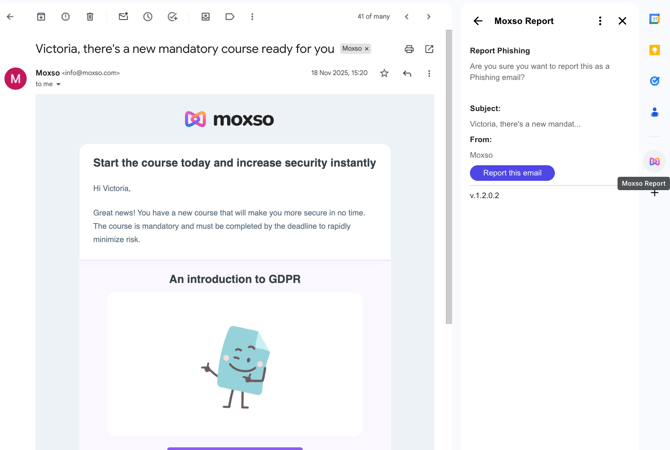
Outlook view: