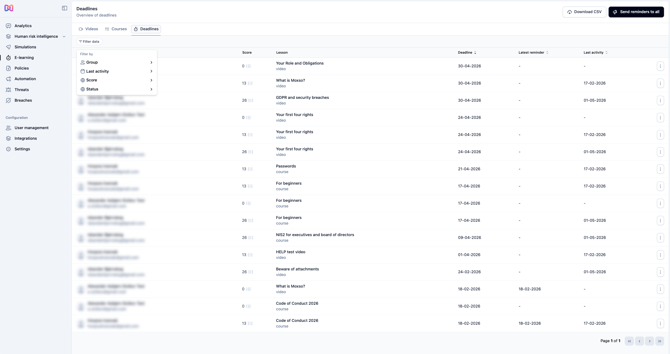
Smart filters for the Deadlines table
You'll find this in E-learning → Deadlines.
The Deadlines table now gives you more control over how you view and manage outstanding training. You can filter by Group, Score, Status, and Last Activity — and combine filters to narrow down exactly who you're looking for. For example, find all employees in a specific group with a score between 0 and 50.
The Send reminders to all button also respects your active filters, so notifications only go out to the employees currently shown in the table — no more messaging everyone when you only need to nudge a specific segment.
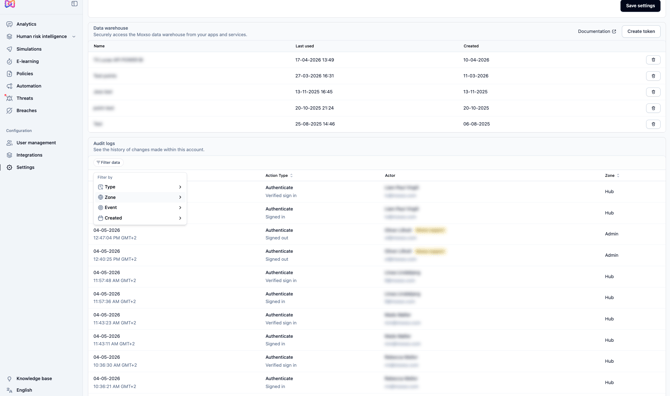
Security audit log now available in Settings
You'll find this under Settings → Audit logs.
Admins can now access a dedicated security audit log, giving full visibility into actions and changes made across the platform. The log records who did what and when, and can be filtered by zone (Admin or Hub) and a wide range of action types — including sign-ins, user invites, integration changes, settings updates, and more.
Clicking into any entry shows a detailed view with the actor, timestamp, and request details including IP address and user. This makes it easier to investigate incidents, track admin activity, and demonstrate compliance.
This feature is available to our Defend plan customers.
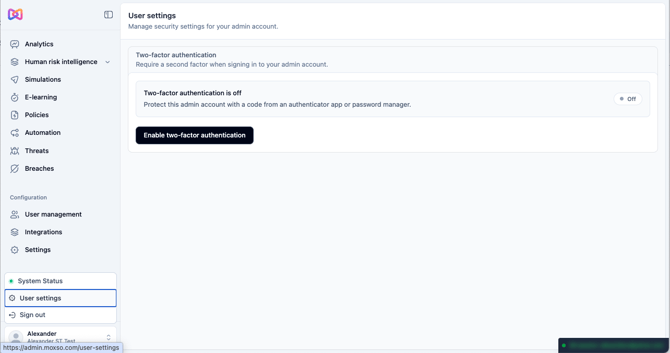
Two-factor authentication for admin login
You'll find this under User settings in the bottom-left menu.
Admins can now enable two-factor authentication (2FA) on their account, adding an extra layer of security on top of their password. Setup takes just a minute — scan the QR code with an authenticator app or password manager, enter the 6-digit code it generates to confirm, and you're done.
Once enabled, you'll be prompted to enter a 6-digit code from your authenticator app each time you sign in. During setup, you'll also receive 8 one-time recovery codes to store safely — these can be used to regain access if you ever lose access to your authenticator app.
Enabling 2FA is a simple step towards stronger access control and supports compliance requirements around admin account security.
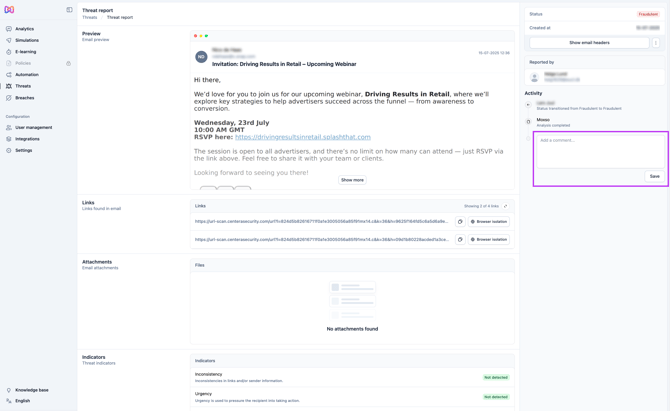
Add comments when handling threats
You'll find this under Threats when opening a threat report.
Admins can now add a comment when handling a reported threat — whether marking it as legitimate, spam, or fraudulent. The comment is included in the email notification sent back to the employee who reported it, giving them context on how the threat was assessed.
This makes it easier to close the loop with reporters and keep employees informed rather than just notified.