
Organizational roles are different from job titles. They are standardized across all Moxso workspaces, which means Moxso can compare and classify employees consistently regardless of how your organization names its positions internally.
The available roles
Moxso uses a fixed list of organizational roles. When a role is assigned, it must be one of the following:
- Administration
- Customer support success
- Data analytics
- Education training
- Engineering development
- Executive leadership
- Facilities services
- Finance
- Human resources
- IT systems
- Legal compliance
- Management team leadership
- Marketing communications
- Operations
- Product design
- Project program management
- Quality process
- Research science
- Sales
- Security
- Supply chain logistics
How roles are assigned
Roles can be assigned in two ways: manually by an admin, or automatically through the employee data enrichment setting.
Manually: Open an employee's profile in User management, select their role from the Role dropdown, and save. Manual roles are never overwritten by the automatic process.
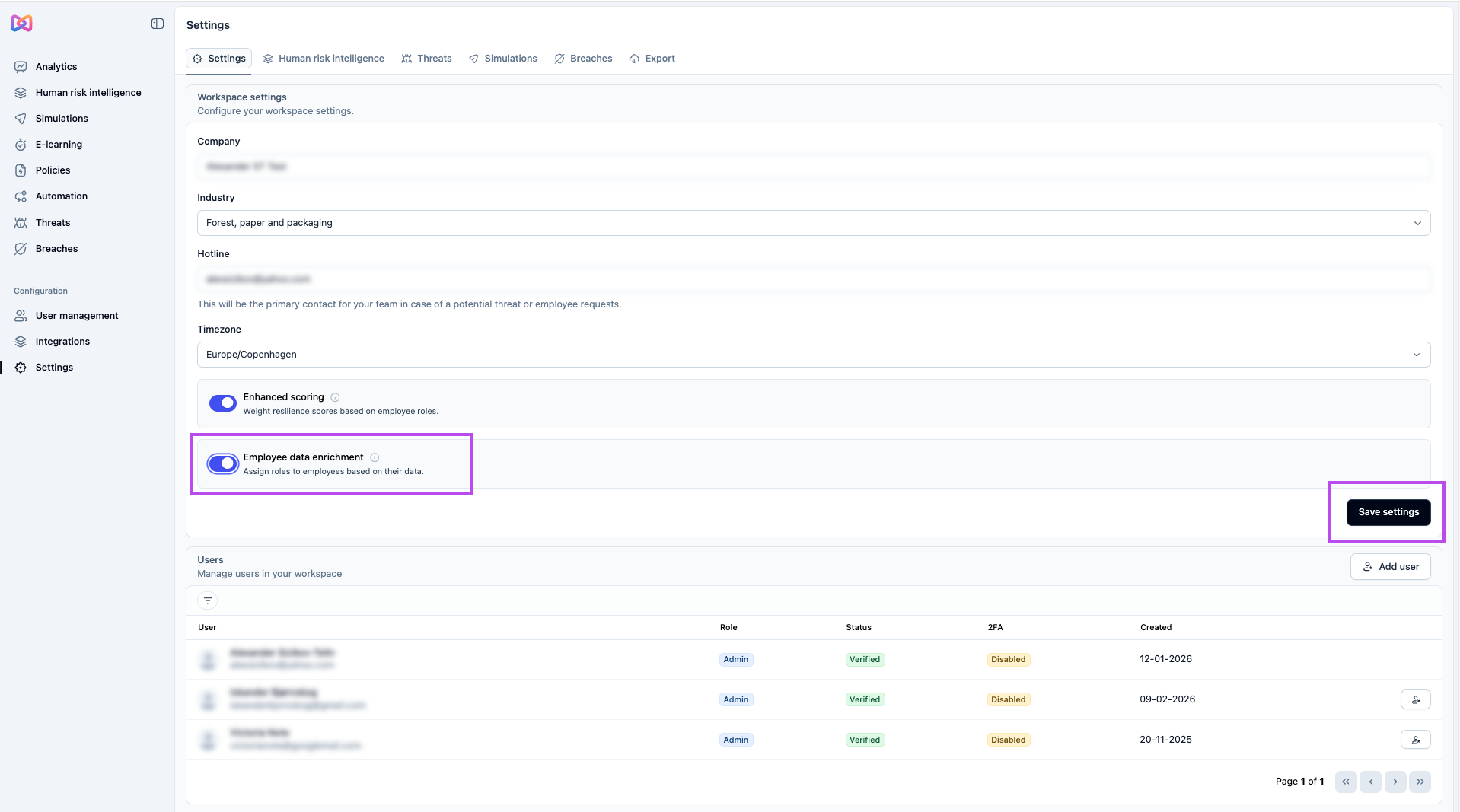
Automatically: When the employee data enrichment setting is enabled in your workspace settings, Moxso can assign organizational roles to employees that don't already have one. The process looks at each employee's department and group data and selects the closest matching role from the available list.
Automatic role assignment runs once per day as a background process. It does not happen immediately when the setting is enabled. Only active employees without an existing role, and with at least a department or one group, are considered.
What happens if Moxso cannot assign a role
If an employee's data is too limited, or no valid role can be matched, the employee is left unchanged. Moxso only saves a role when it can be validated against the approved role list. It does not create new roles or make guesses that cannot be confirmed.
Common questions
Will roles be assigned immediately after enabling employee data enrichment? No. The process runs in the background on a daily schedule, so changes may not appear right away.
Will Moxso overwrite a role that was manually assigned? No. Employees that already have an organizational role are skipped by the automatic assignment of roles.
What data does Moxso use to assign a role automatically? The automatic assignment uses the employee's department and groups.
What if an employee has no department or groups? The employee is not included in the automatic assignment process.
Can Moxso create a role that isn't on the list? No. Moxso only selects from the predefined role list.